



LessonPlanGenerator vs RemNote
Side-by-side comparison of features, pricing, ratings, and alternatives.


LessonPlanGenerator is an AI-powered lesson planning tool designed for educators who want to reclaim hours of prep time. Instead of typing out daily plans, teachers simply describe the topic, grade, subject, and time available, and the platform generates a complete, classroom-ready lesson plan in under 60 seconds. The tool aligns outputs to real educational standards and includes built-in differentiation, making it suitable for both public school classrooms and homeschool environments. The service was built by educators, not just engineers, which shows in its attention to practical details: real standards databases, automatic supports for ELL, IEP, and gifted learners, and seamless exports to Google Docs and PDF. Whether you are a veteran teacher preparing for an admin review or a parent juggling multiple grade levels, the platform lets you customize the teaching style, add specific standards, and adjust learner supports before generating the final plan. Pricing is transparent and low-commitment. A free tier provides five lessons per week, and the Pro plan costs just $4.99 per month for unlimited lessons, with no long-term contract. With more than 400 educators already using the tool and over 2,000 lesson plans created, LessonPlanGenerator positions itself as a practical assistant for lesson planning that prioritizes time savings without sacrificing instructional quality.
RemNote combines note-taking, flashcard creation, PDF annotation, and AI-powered study tools into one app built around helping students retain what they learn, not just record it. Notes can be automatically or manually converted into flashcards, which are then reviewed using a spaced repetition algorithm that schedules reviews at optimal intervals for memory retention. Beyond flashcards, RemNote supports PDF and PowerPoint annotation, typed and handwritten notes, an AI tutor chat, and databases for organizing course material, positioning itself as a replacement for juggling separate tools like Quizlet, Anki, Notion, and Evernote.
- Creates standards-aligned lesson plans in under 60 seconds
- Built by educators with real standards databases
- Includes differentiation supports for ELL, IEP, and gifted learners
- Seamless export to Google Docs and PDF
- Combines note-taking and spaced-repetition studying in one app instead of two separate tools
- Generous free plan includes unlimited notes and flashcards
- PDF annotation and image occlusion are useful for STEM and visual subjects
- Offline mode with cross-device sync
- Free plan restricts users to 5 lessons per week, which may be insufficient for teachers planning daily classes.
- AI-generated plans may require additional human review to fully match a teacher's specific classroom context.
- Requires an internet connection and a modern web browser; no offline mode is available.
- Free plan caps PDF annotation, image occlusion cards, and handwritten documents fairly low
- Full AI feature set (lecture recorder, AI grading) requires the pricier Pro with AI tier
- Learning curve for students used to simpler flashcard-only tools like Quizlet
More alternatives & similar tools
Alternatives to LessonPlanGenerator
View all →No alternatives listed yet. Browse similar tools →
Alternatives to RemNote
View all →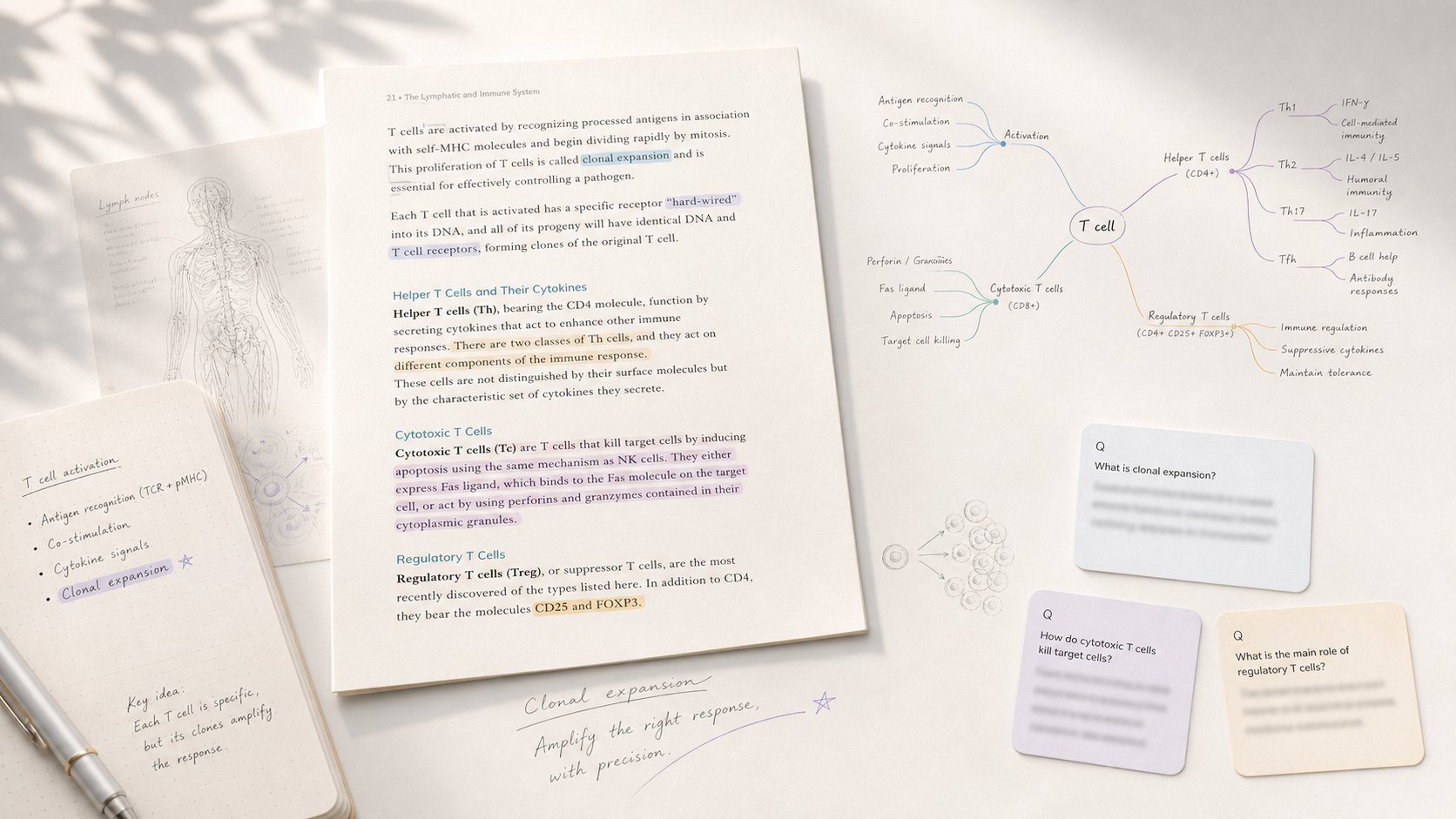
Study app that turns PDF/EPUB annotations into mind maps and spaced-repetition flashcards.

All-in-one study platform with flashcards, notes, and AI-generated practice exams

Turns lecture slides, PDFs, and recordings into an AI tutor that knows your course material
The Verdict
AI-generated from listing dataRemNote is a free‑to‑use note‑taking and spaced‑repetition tool best for learners who need integrated study cards, while LessonPlanGenerator is a paid AI service for teachers needing fast, standards‑aligned lesson plans.
Key differences
- •RemNote focuses on personal knowledge management and flashcard study; LessonPlanGenerator creates whole lesson plans for classrooms.
- •RemNote offers a generous unlimited‑free tier; LessonPlanGenerator’s free tier is limited to 5 lessons per week and charges $4.99/mo for unlimited use.
- •RemNote works offline with cross‑device sync; LessonPlanGenerator requires an internet connection and has no offline mode.
- •RemNote includes PDF/PowerPoint annotation and image‑occlusion flashcards; LessonPlanGenerator provides standards alignment and differentiation for ELL/IEP/gifted learners.
- •RemNote is aimed at students and lifelong learners; LessonPlanGenerator targets teachers and homeschool families.
Pricing & value
RemNote’s freemium plan offers unlimited notes and flashcards; LessonPlanGenerator limits free use to 5 lessons/week and charges $4.99/mo for unlimited.
Ease of use / learning curve
LessonPlanGenerator creates lesson plans in under 60 seconds, minimal setup; RemNote has a learning curve for spaced‑repetition and flashcard creation.
Features & depth
RemNote provides note‑taking, PDF annotation, image‑occlusion, AI tutor, and spaced‑repetition; LessonPlanGenerator focuses mainly on lesson‑plan generation.
Integrations & ecosystem
RemNote syncs across desktop, iOS, Android and supports PDF/PowerPoint import; LessonPlanGenerator only exports to Google Docs or PDF.
Collaboration
Both lack explicit collaboration features; neither mentions shared editing or team workspaces.
Scalability
RemNote’s unlimited free tier scales for any number of notes; LessonPlanGenerator scales only after paying for Pro.
Support
RemNote offers email and Help Center support; LessonPlanGenerator’s support options are not specified.
Choose LessonPlanGenerator if…
Teachers or homeschool educators who need rapid, standards‑aligned lesson plans and are okay with a modest monthly fee.
Choose RemNote if…
Students or self‑directed learners needing integrated notes and flashcards, especially on a budget.
Common questions
Can I use either tool offline?
RemNote offers offline mode with sync; LessonPlanGenerator requires an internet connection.
What is the cost for unlimited use?
RemNote’s unlimited features are available in its free tier; LessonPlanGenerator requires a $4.99/month Pro subscription.
Does either product support collaboration with others?
Neither product specifies collaboration features; both appear designed for individual use.